
AB Download Manager
AB Download Manager is a free, open-source download manager for Windows that speeds up downloads, queues them and integrates with web browsers.
Windows
Open source

6.34.4.6974 · Free Download Manager.ORG · Page updated
Free Download Manager (FDM) is a free download manager for Windows, macOS, Linux and Android that accelerates, resumes and schedules downloads and handles torrents.
Average 0.0 · ratings: 0
Thank you! Your rating is saved; you can change it. Could not save the rating. Please try again later. Too many ratings from your network today. Please try again tomorrow. The average appears after 5 ratings.
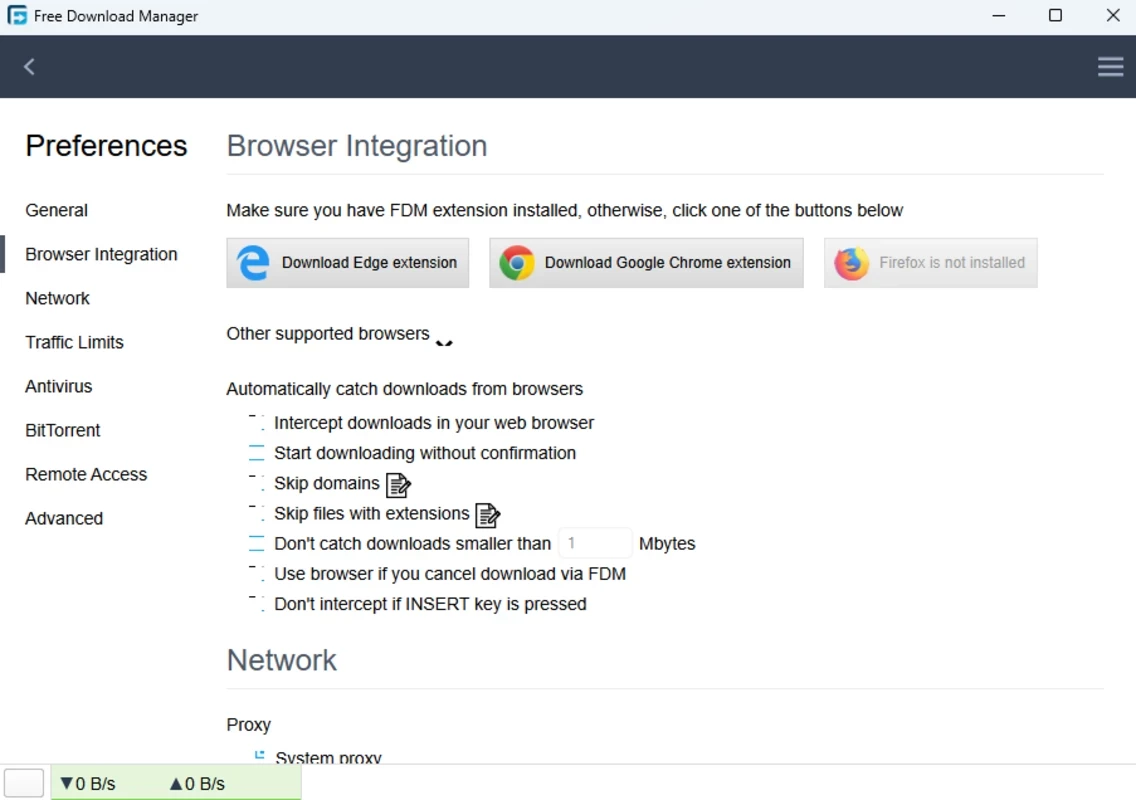
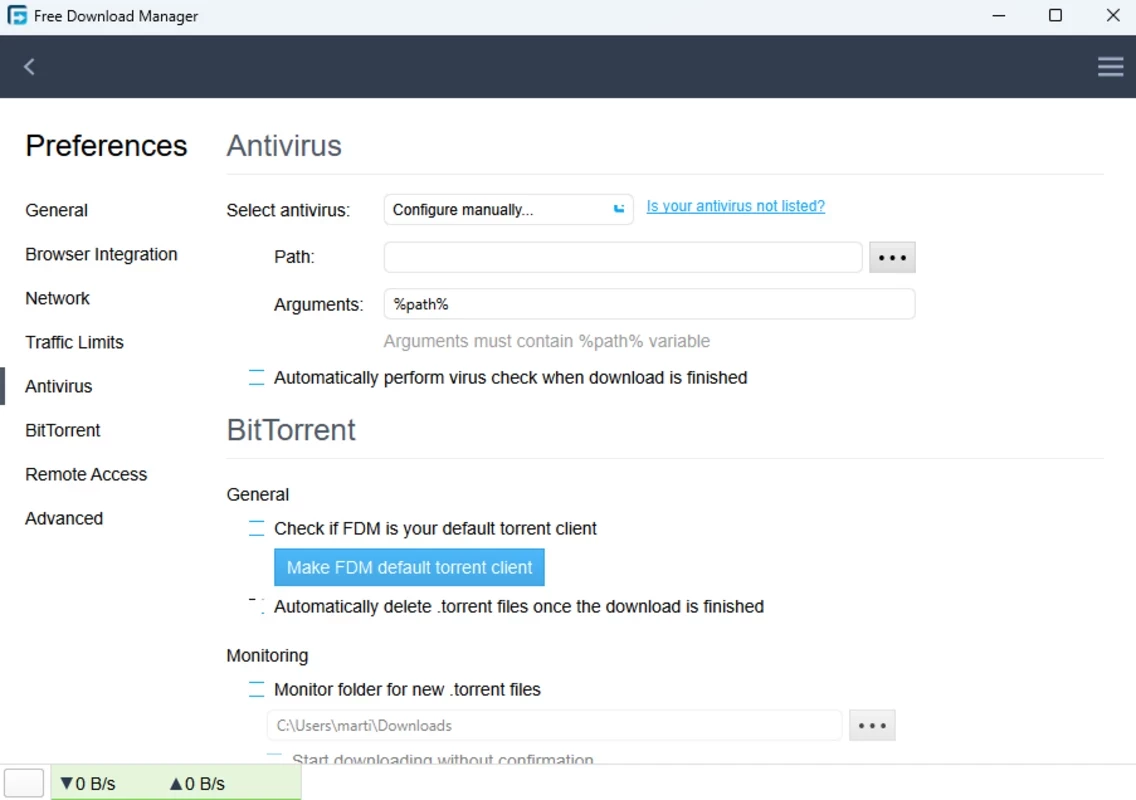
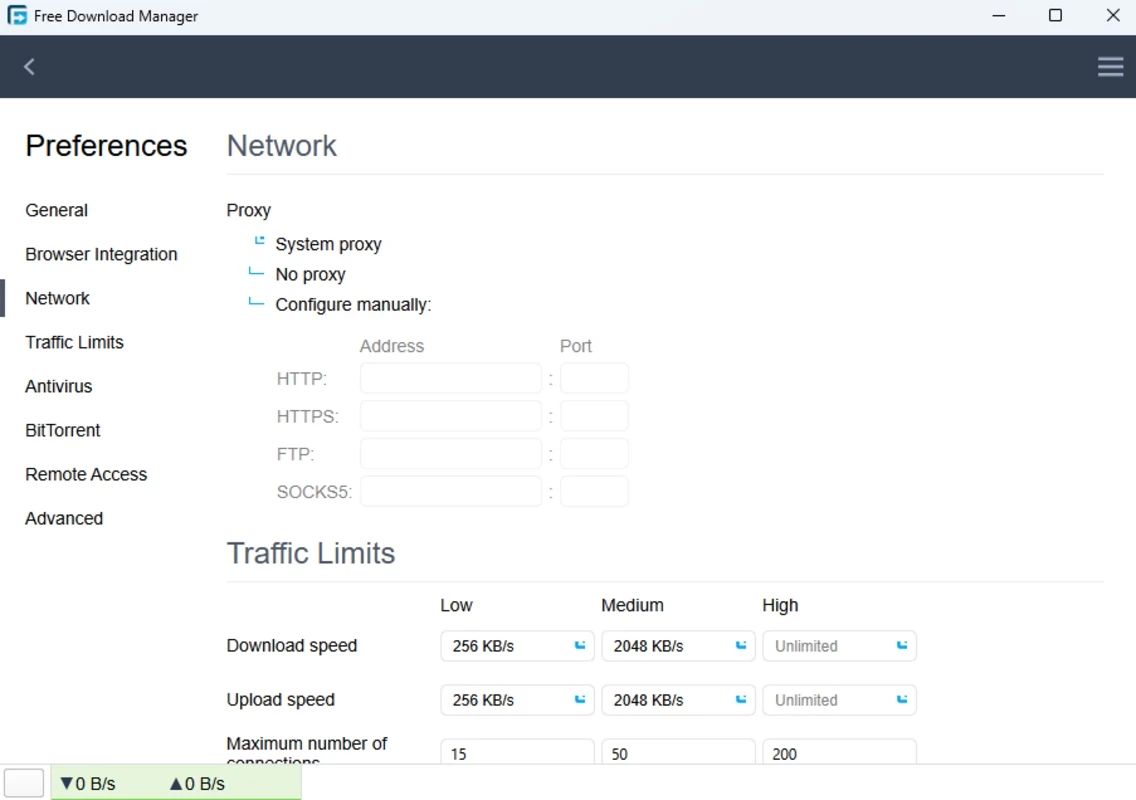
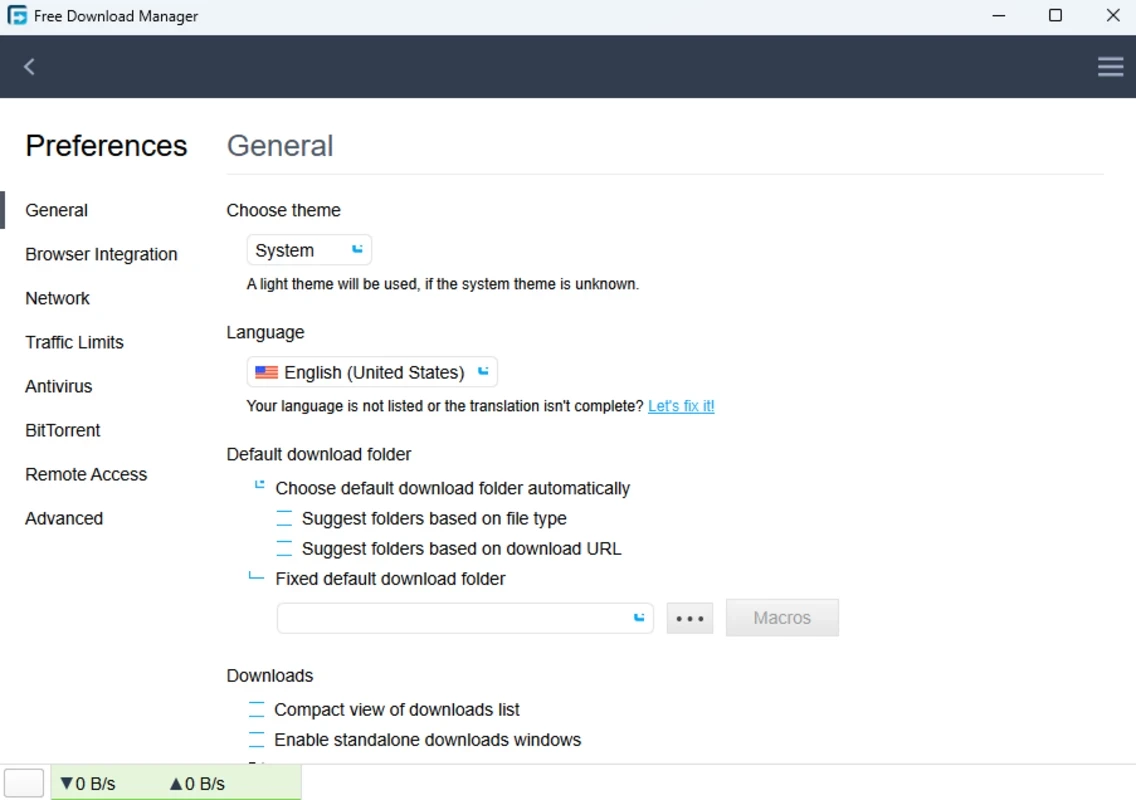
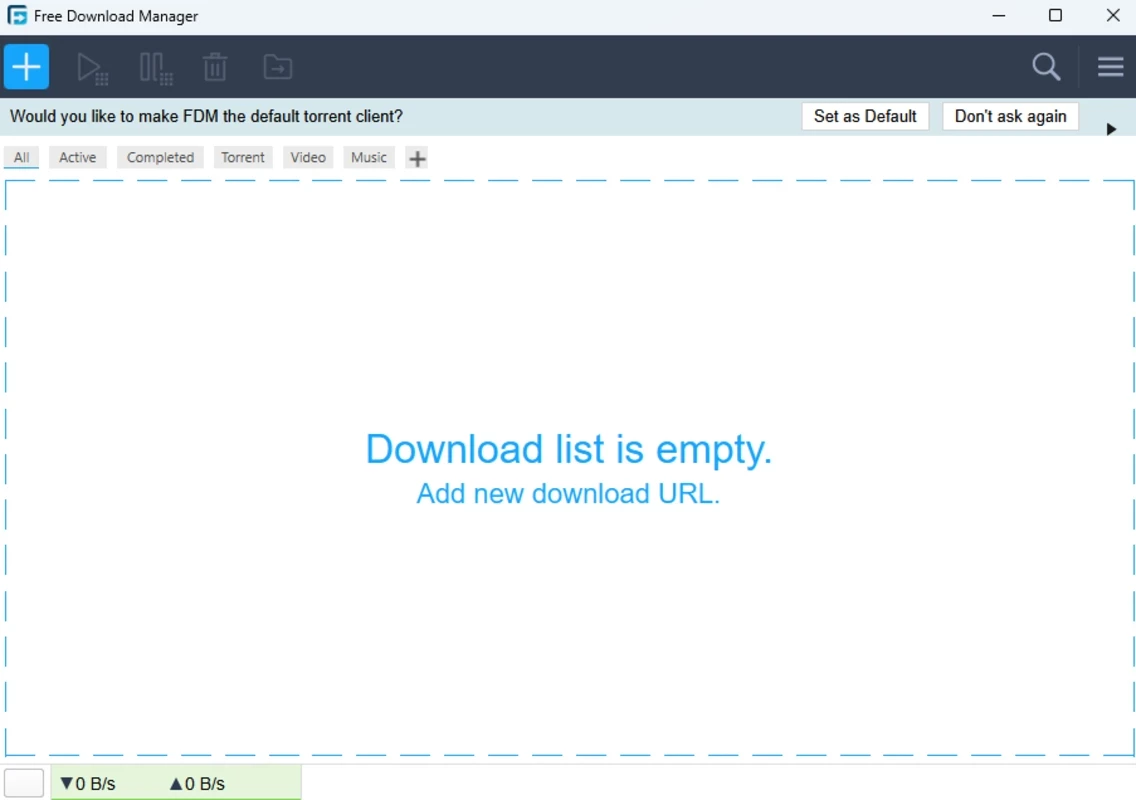
Free Download Manager 6.34.4.6974 is a free download manager for Windows that speeds up downloads, resumes them after interruptions and also works as a BitTorrent client. You can download Free Download Manager, often called FDM, from its official site and use all features without paying.
| Parameter | Value |
|---|---|
| Version | 6.34.4.6974 |
| Developer | Free Download Manager.ORG |
| Platforms | Windows, macOS, Linux, Android |
| Architectures | x86, x86-64, ARM |
| First release | 2004 |
| Licence | freeware |
| Installer size | about 46.69 MB according to catalogue data |
| Official site | freedownloadmanager.org |
FDM has been developed since 2004 and combines several tools that are usually separate. As a download manager, it splits a file into parts and downloads them in parallel, which often speeds things up on servers that throttle single connections, and it resumes broken downloads where supported. Browser extensions for Chrome, Edge and Firefox hand links over to FDM automatically. As a torrent client, it opens torrent files and magnet links, lets you pick which files inside a torrent to download and controls upload speed. On top of that there are a scheduler, traffic limits that keep the connection usable for other tasks, automatic sorting of files by type and the option to preview audio and video before the download finishes. The modern interface is clean and uncluttered, and the free licence has no ads, which sets FDM apart from several competitors. Older versions of the project were open source, and a code repository remains on SourceForge.
FDM runs on current Windows versions on x86, x86-64 and ARM processors and needs free disk space for downloads.
Use only the official site, and beware of look-alike pages: some unrelated sites use the name to offer other software. Keep FDM updated, and scan downloaded files, especially from torrents. Downloading copyrighted material without permission is illegal in many countries.
Set a speed limit during working hours so that video calls and browsing stay smooth, and let the scheduler run large downloads at night. If a download stops at the same point every time, the server may not support resuming; restart it from the beginning or look for another official mirror of the file.
Free Download Manager is completely free, with no ads.
Other download managers on our site include Internet Download Manager, JDownloader and Xtreme Download Manager (XDM). For torrents only, qBittorrent is a popular choice.
AB Download Manager is a free, open-source download manager for Windows that speeds up downloads, queues them and integrates with web browsers.

SHAREit is a free Windows app from the SHAREit Team for moving photos, videos and documents between a PC and a phone. The current version is 5.1.0.7.

Zapya for Windows is a free file transfer app from DewMobile for moving files between a PC and phones over a local wireless connection.

Easy Connection to Screen is Samsung's Windows app for showing a PC's screen on a compatible Samsung TV over a wireless connection.

Internet Download Manager (IDM) is a shareware download manager for Windows from Tonec that accelerates, resumes and schedules downloads.

uTorrent (μTorrent) is a small BitTorrent client for Windows from Rainberry (BitTorrent Inc) for downloading and sharing files over torrents.

AnyDesk is a remote desktop application for connecting to and controlling another computer over the internet, from a small Windows program.

ShareMe is Xiaomi's free app for sending files between devices without a cable; on Windows the Android app runs only inside an emulator.

Xender is a free file sharing app from the Xender File Sharing Team for sending files between phones and computers over a local connection.